Overview:
The full-screen option is easily accessible within the system, providing users with a simple and efficient way to use it without having to navigate through browser settings.
Procedure:
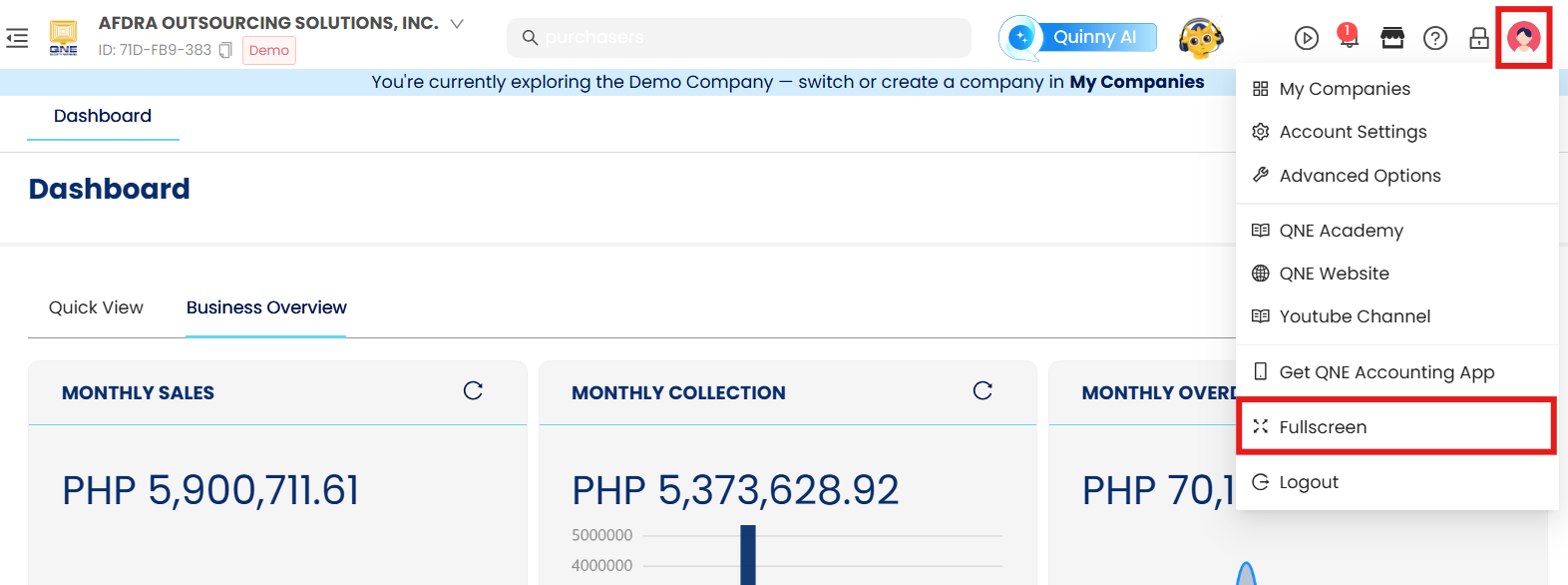
In Banner, go to click your hover to your icon and click Fullscreen
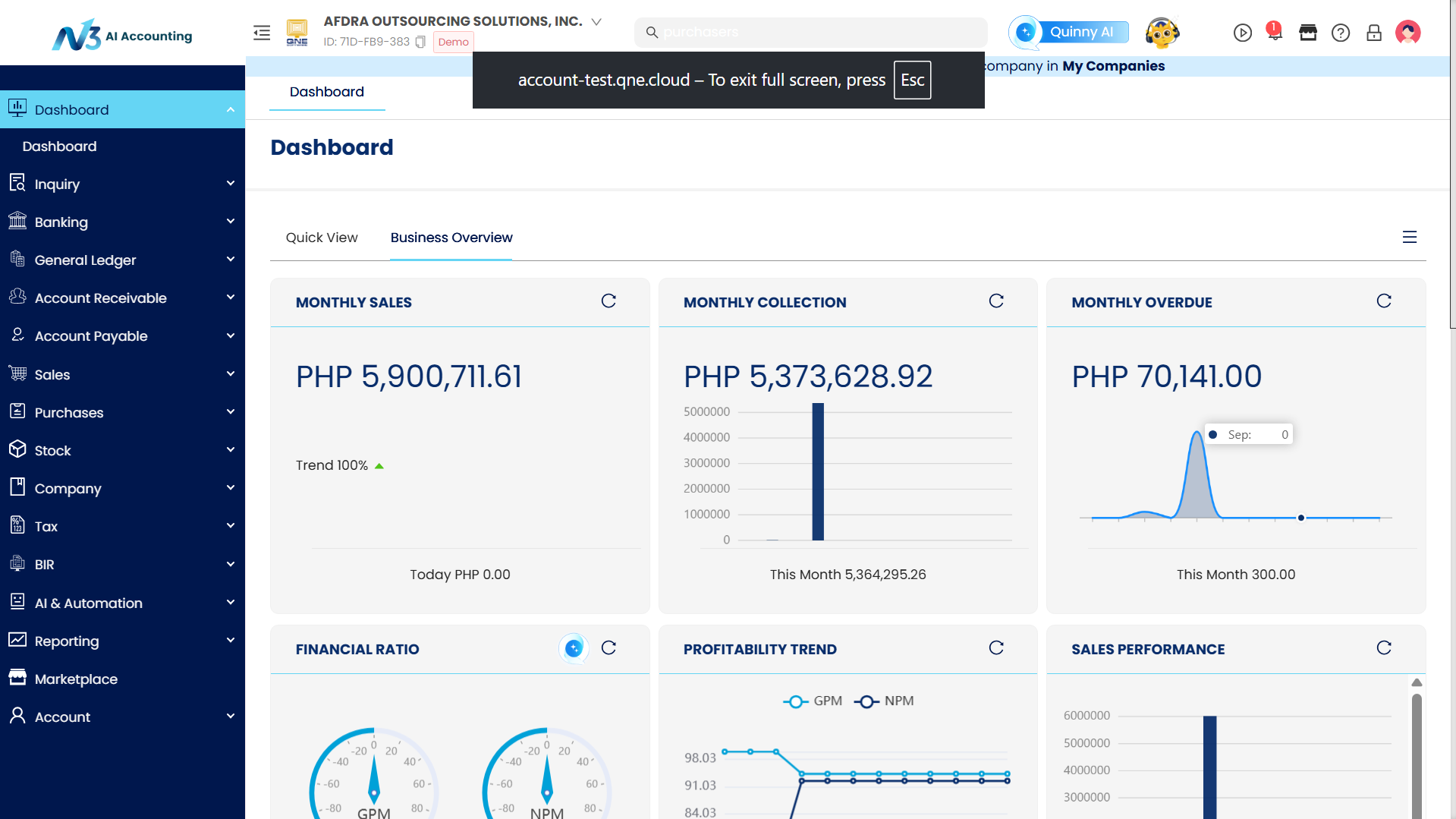
The browser will now be in full-screen mode. To return to the standard display, on your keyboard, press ESC.
Application:
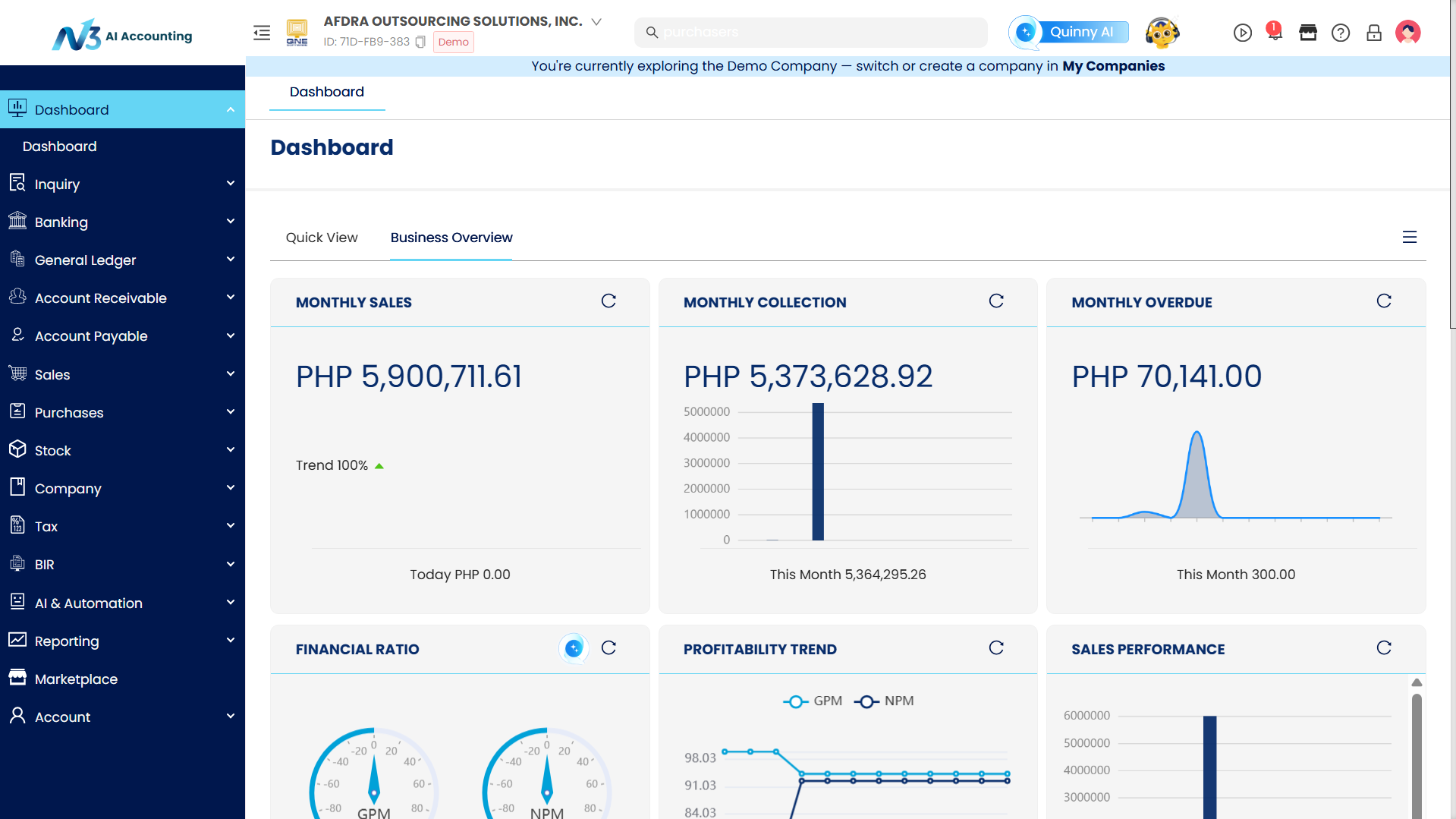
The system is now visible on a bigger display.
System Scope: QNE AI Cloud Accounting / N3 AI Accounting
Was this article helpful?
That’s Great!
Thank you for your feedback
Sorry! We couldn't be helpful
Thank you for your feedback
Feedback sent
We appreciate your effort and will try to fix the article