Overview:
In N3 AI Accounting, a user can maintain multiple companies and use them anytime. Having multiple companies in one platform will help the user maintain data easily.
Scenario:
Navigate the list of companies and change the current open database.
Procedure:
Go to My Companies.
Option #1: Click the company name next to the search bar.
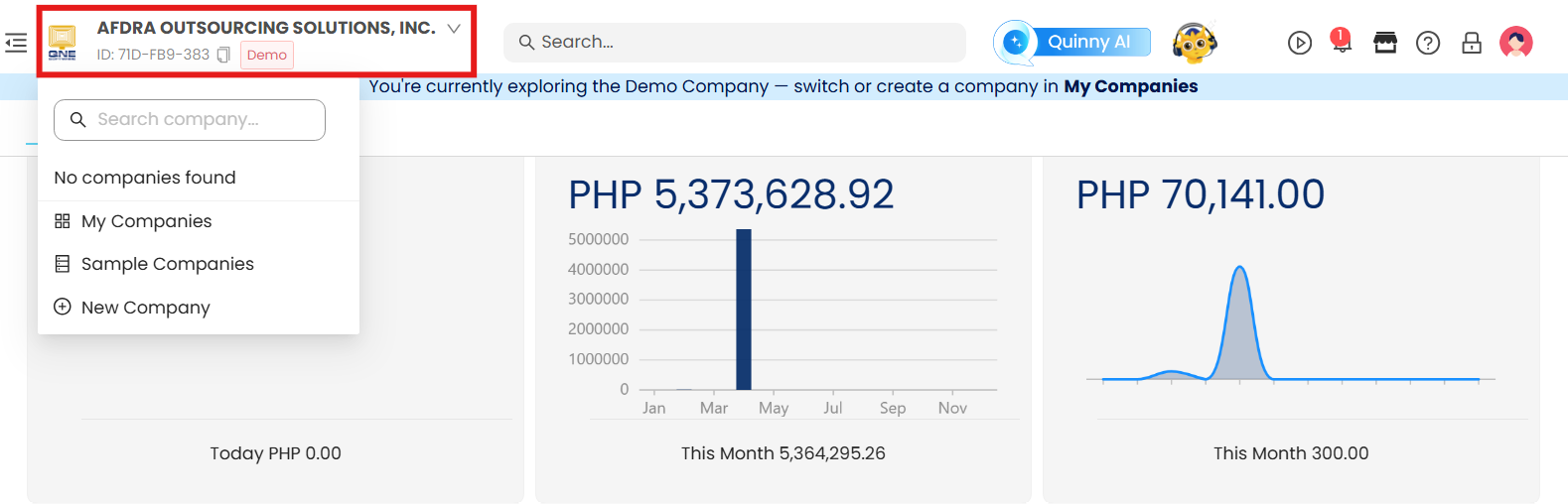
Option #2: Hover over your Profile icon in the top-right corner.

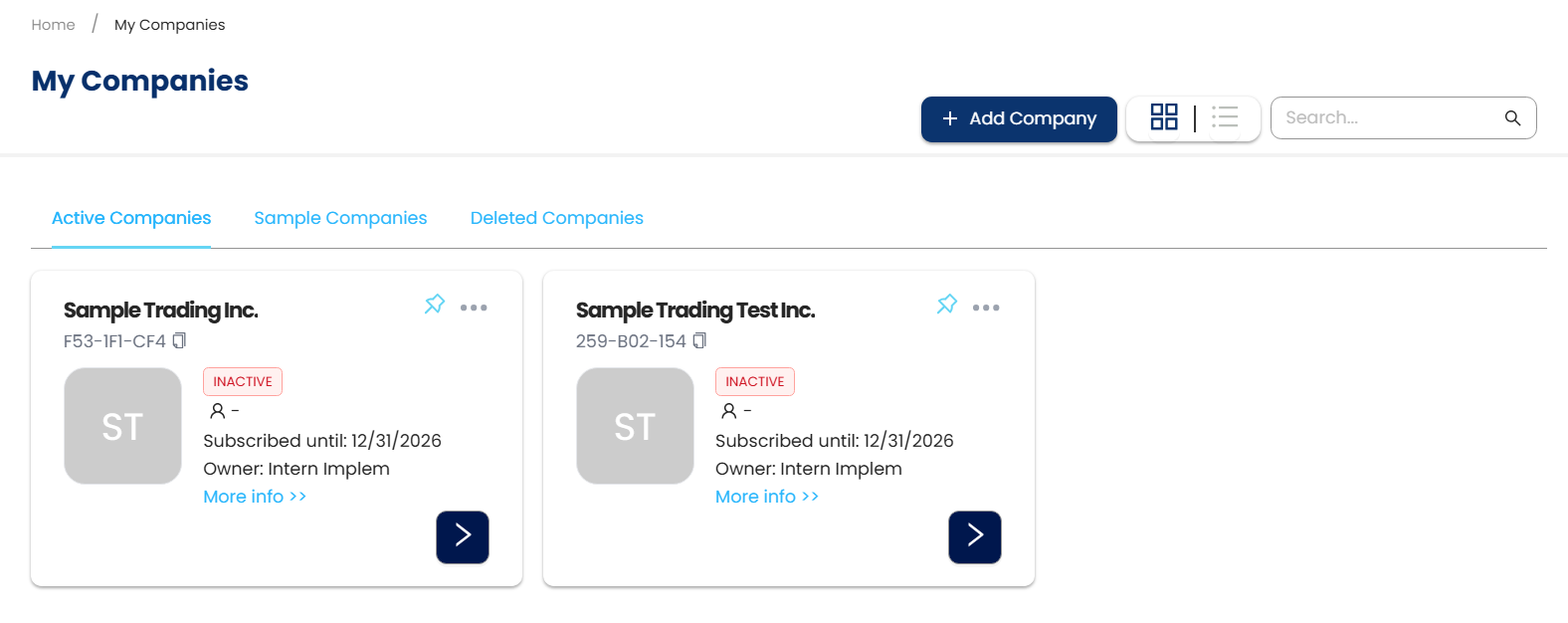
Click My Companies. This will show the list of all companies that the user can access.
Application:
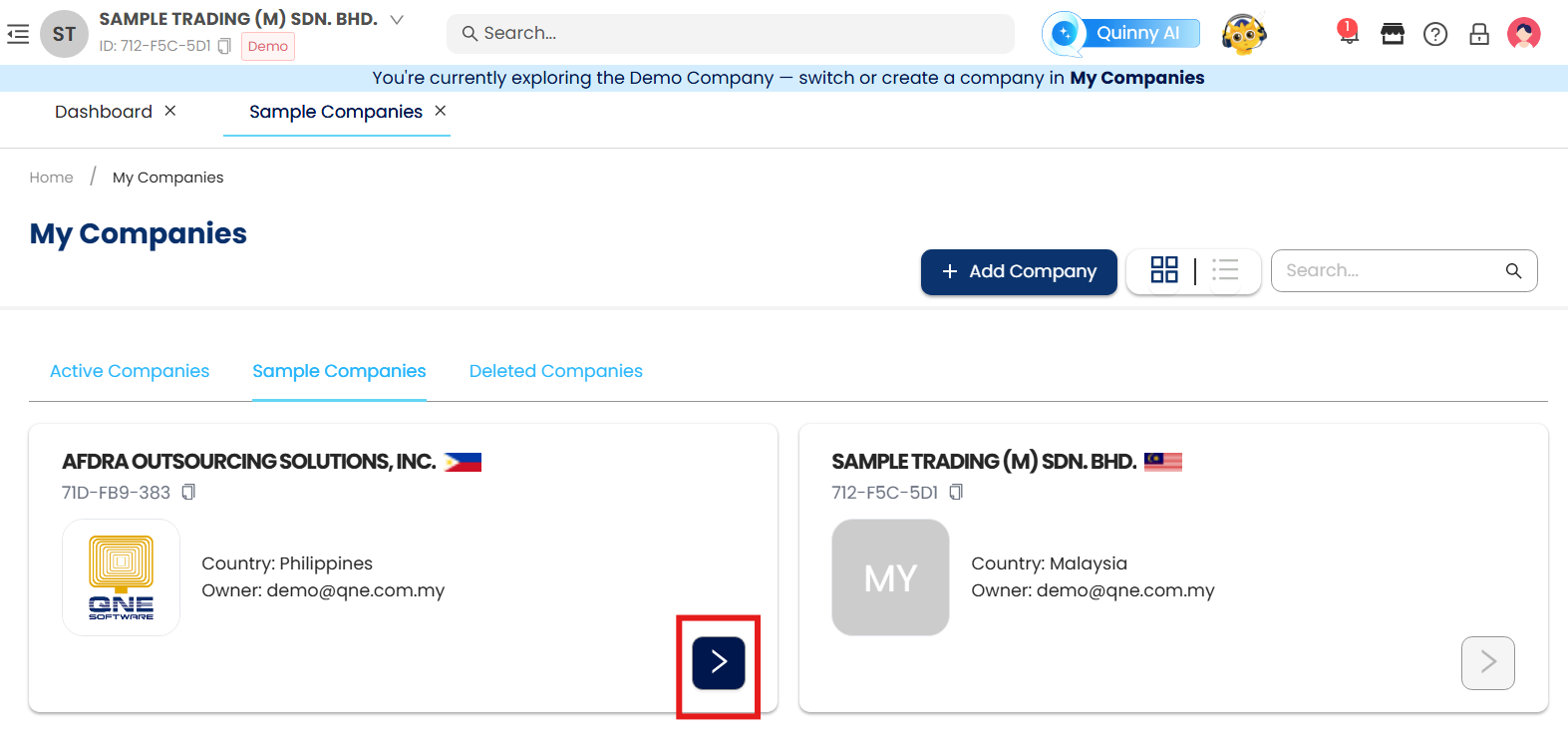
Currently the open company is ‘Sample Trading (M) SDN. BHD.’ Click the Next (>) button to access the ‘AFDRA OUTSOURCING SOLUTIONS, INC.'
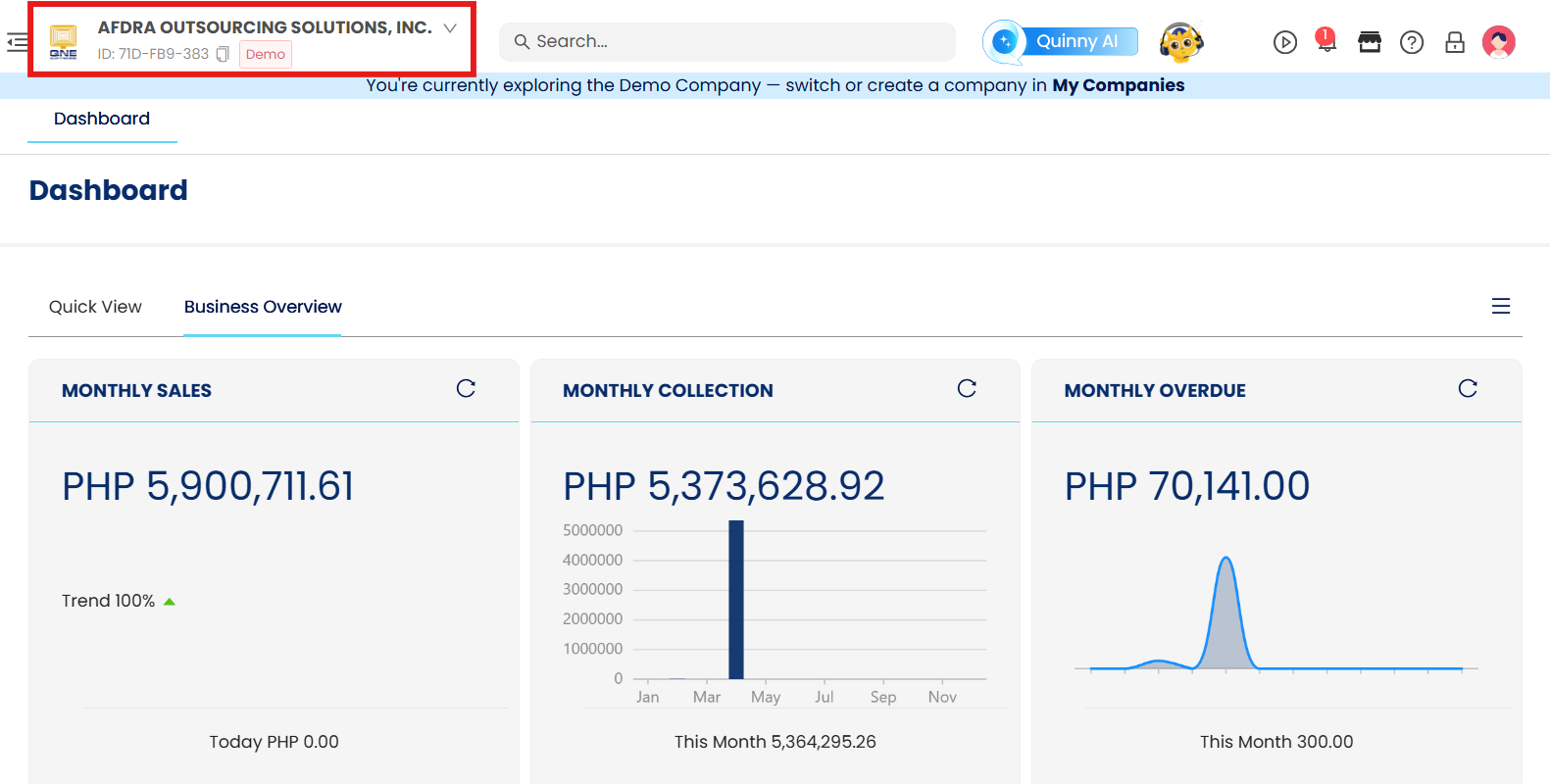
After opening the company, the page will reload and will now change the company.
System Scope: QNE AI Cloud Accounting / N3 AI Accounting
Was this article helpful?
That’s Great!
Thank you for your feedback
Sorry! We couldn't be helpful
Thank you for your feedback
Feedback sent
We appreciate your effort and will try to fix the article