Overview:
The QNE AI Cloud Accounting Mobile App is designed to simplify your accounting tasks and enhance your productivity. This mobile app is available for Android mobile devices only, which can be downloaded on the N3 AI Accounting (formerly QNE AI Cloud Accounting) website.
Scenario:
Access your account using the QNE AI Cloud Accounting Mobile App.
Solution:
1. On your N3 AI Accounting Website, there are two (2) options to download the mobile application.
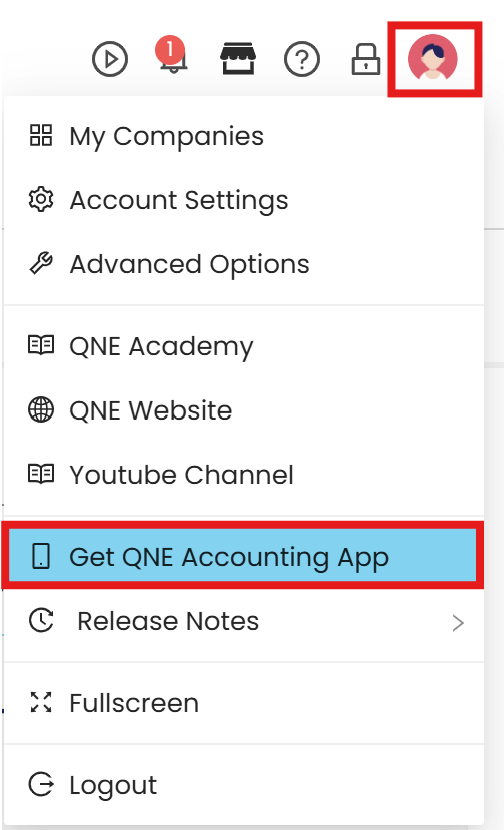
Option 1: Under Profile. Select ‘Get QNE Accounting App’ to open the download link.
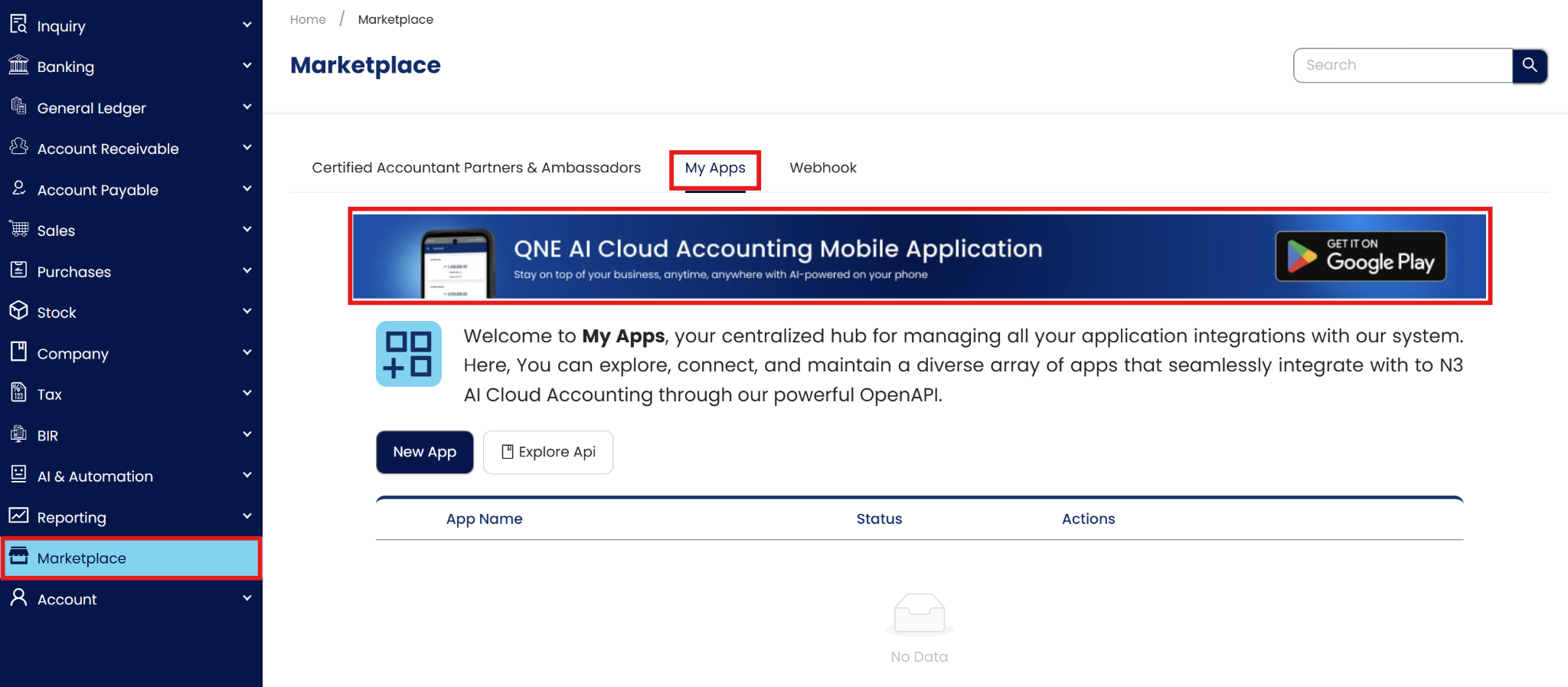
Option 2: Under Navigation > Marketplace, go to ‘My Apps’. Click the header to open the download link.
2. After clicking the options, it will open the download screen with QR Code or link to use.
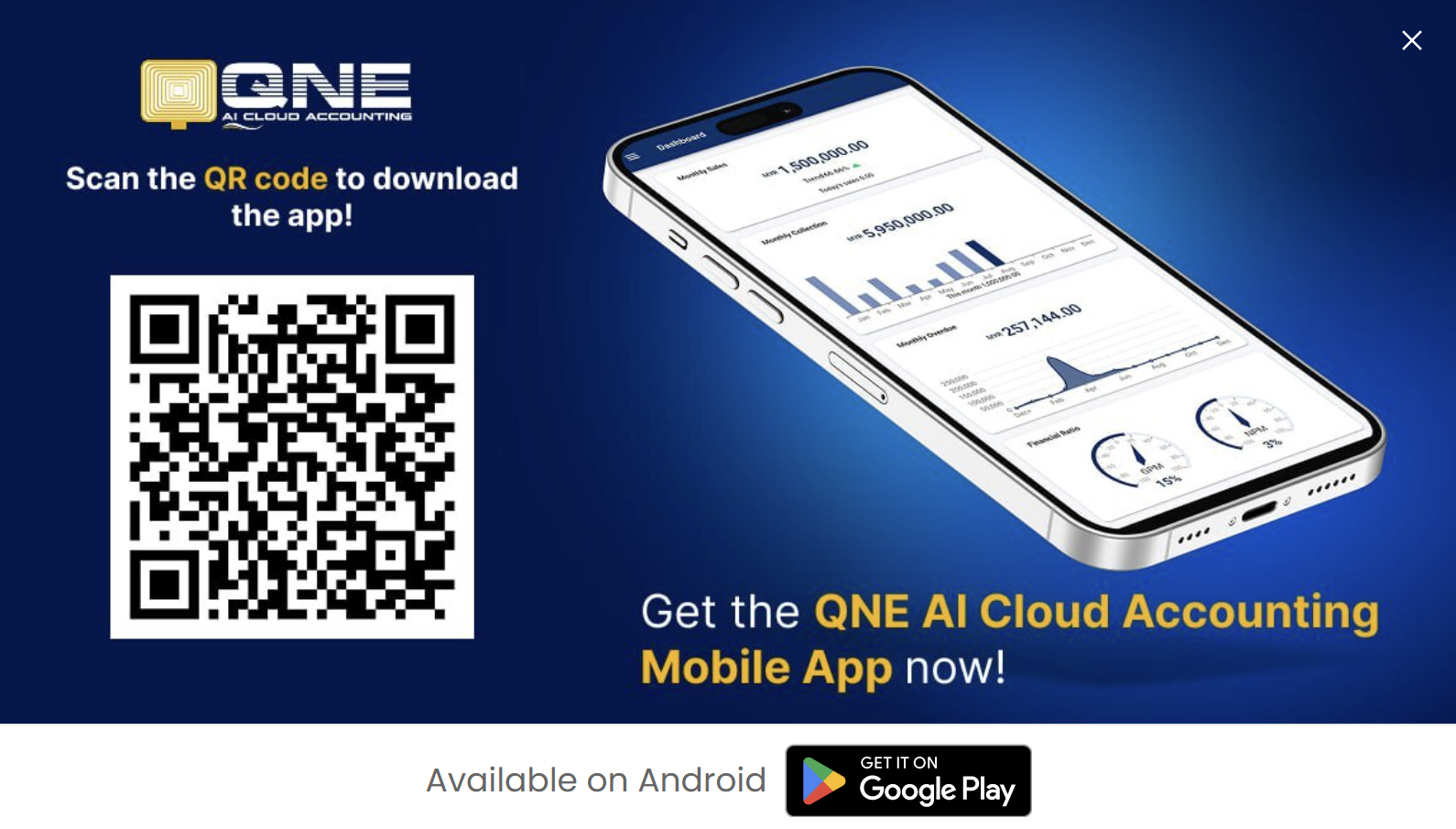
QR Code: scan the QR and the download will begin
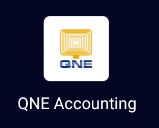
3. Install the application into the mobile device. Once installed, the application may now be opened.
Application:
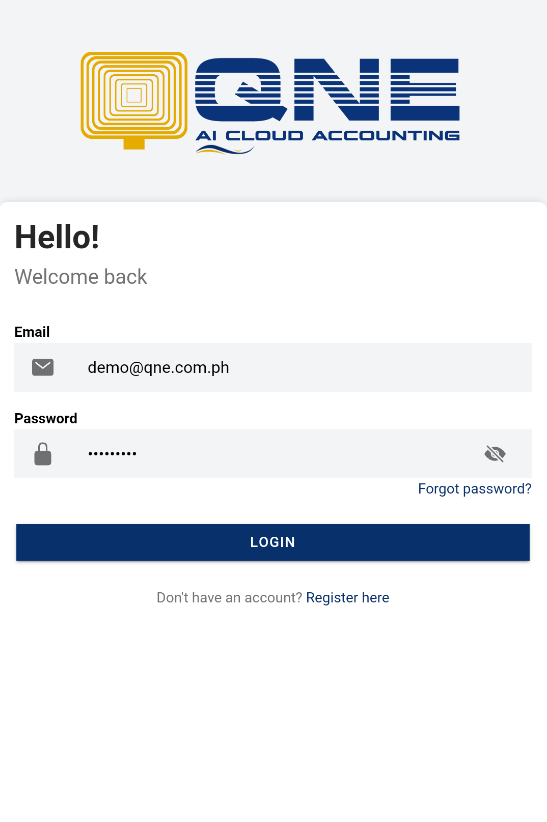
1. Open the application and enter your login credentials.
2. After logging in, it will redirect to the dashboard.
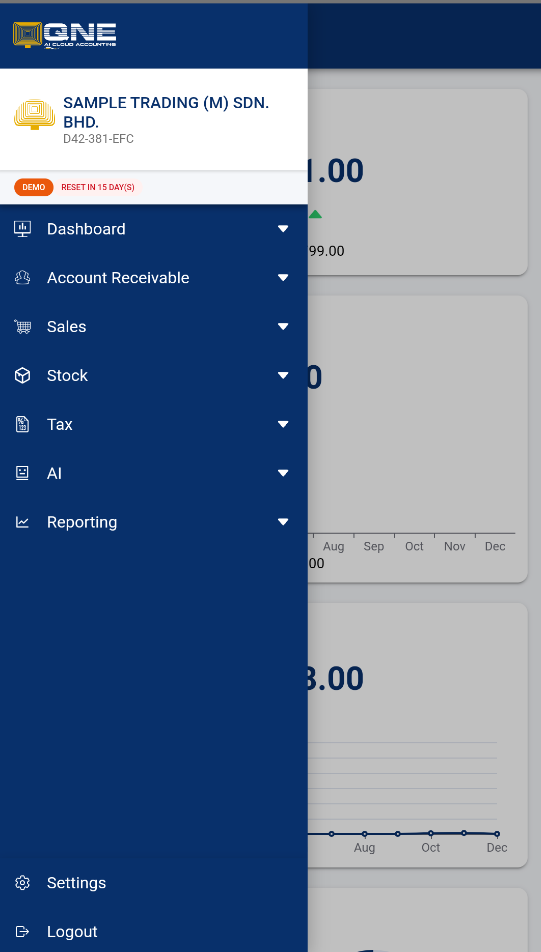
Note: Not all modules of N3 AI Accounting can be accessed in the mobile application
System Scope: QNE AI Cloud Accounting / N3 AI Accounting
Was this article helpful?
That’s Great!
Thank you for your feedback
Sorry! We couldn't be helpful
Thank you for your feedback
Feedback sent
We appreciate your effort and will try to fix the article