Overview:
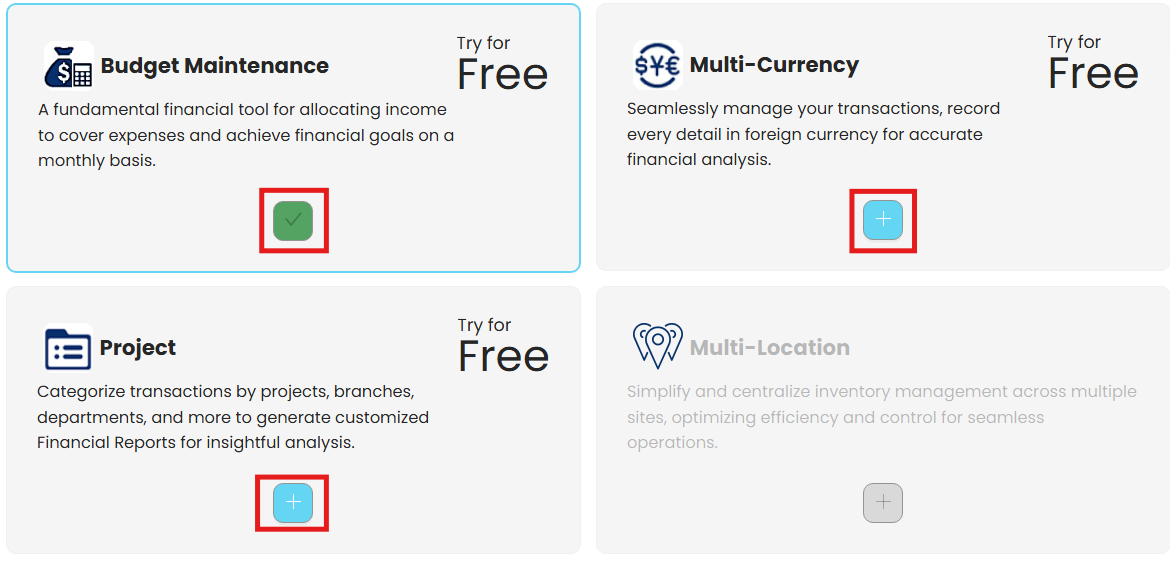
N3 AI Accounting Account offers additional modules that provide extra functionality or features tailored to specific needs. These add-ons are also available to users on a 30-day trial, enabling them to explore all features, including Budget, Multi-Currency, and Project modules, and many more!
To know more about the Plan Inclusion, visit us on,
https://www.qne.com.ph/cloud-accounting-software-for-accountants/
Procedure:
Follow the instructions in this article to learn more about how to create a new company: https://support.qne.com.ph/a/solutions/articles/35000242031
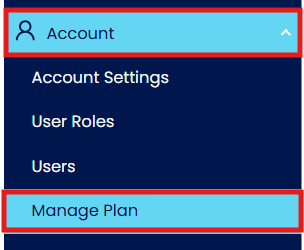
In the Navigation Pane, go to Account > Manage Plan
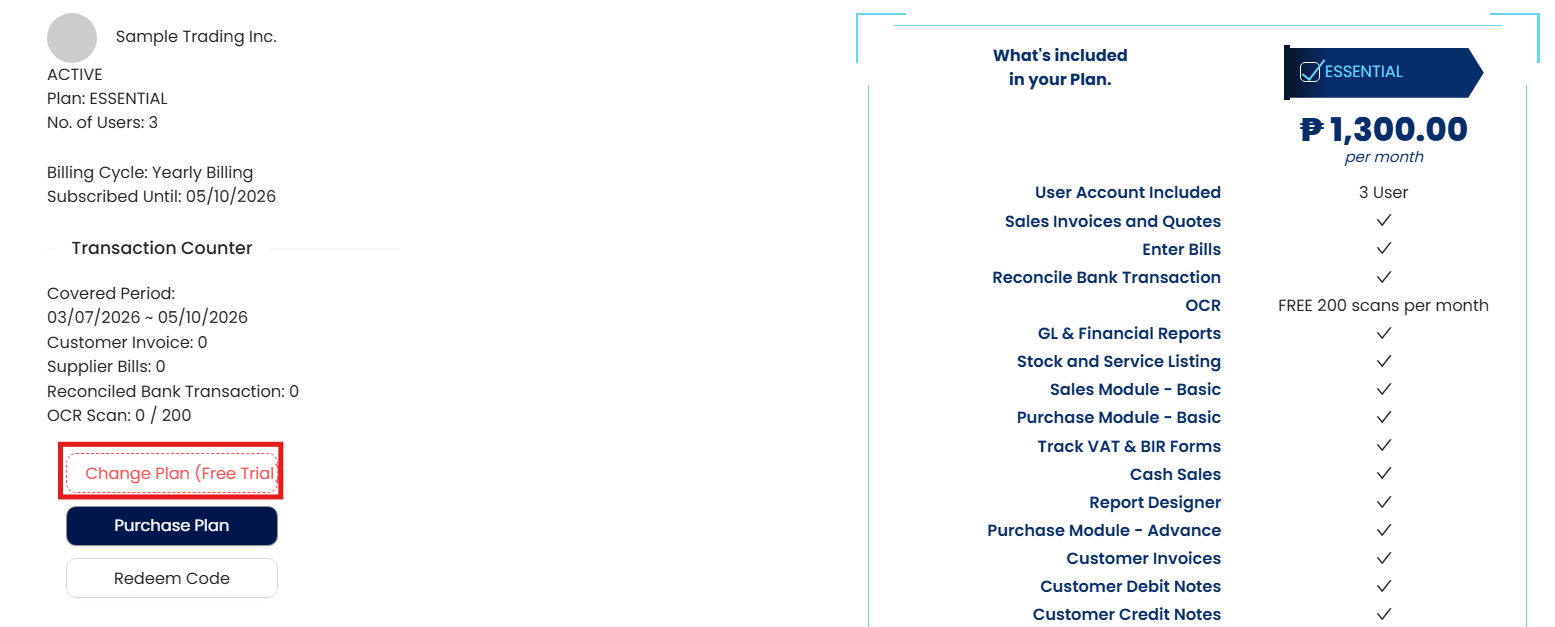
In My Subscription, click ‘Change Plan (Free Trial)’
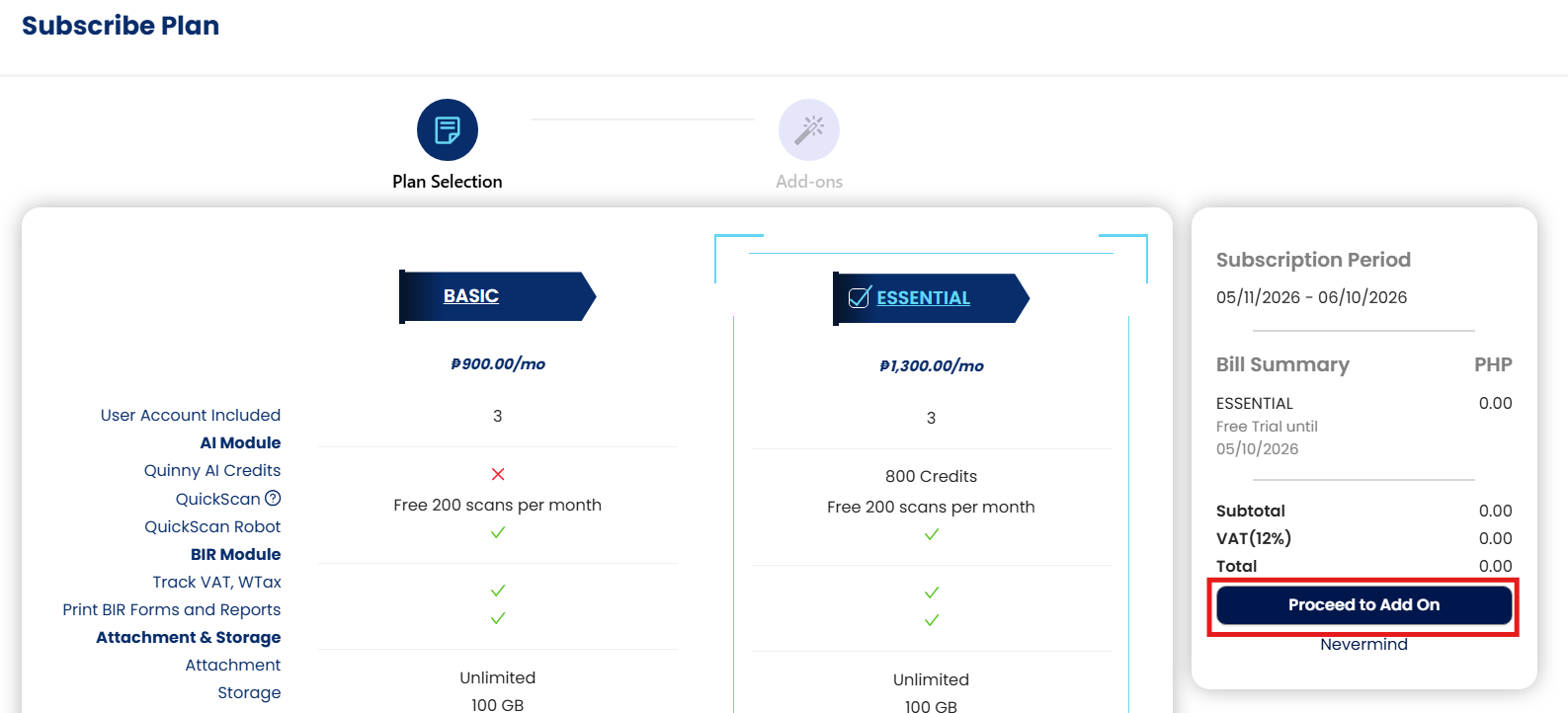
Change plan if applicable, click ‘Proceed to Add On’
Click + plus sign to add. Once done, click ‘Apply Changes’.
Application:
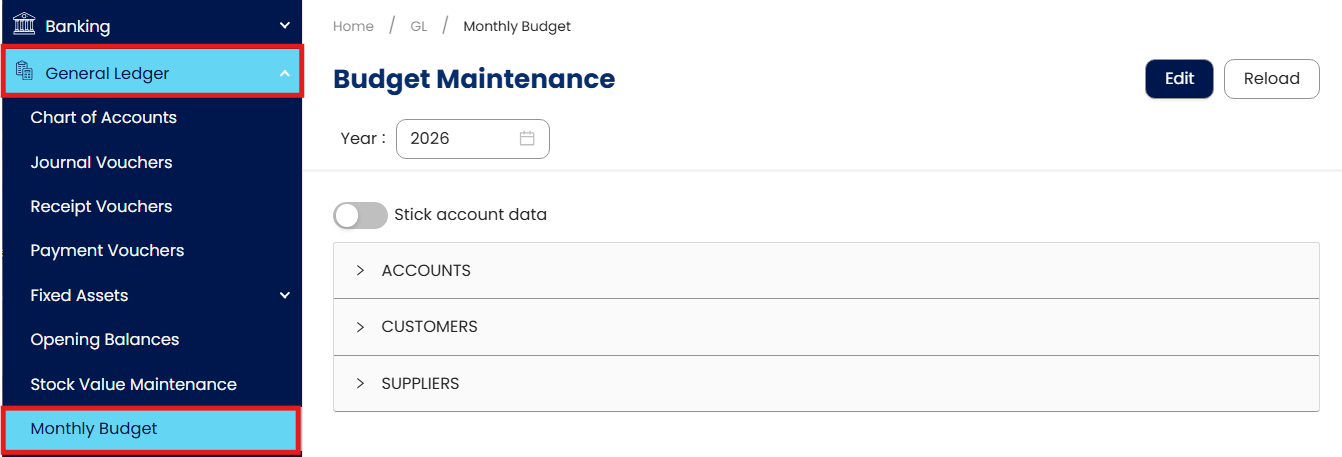
Add-on modules are now available to access during the Free 30-Day trial.
System Scope: QNE AI Cloud Accounting / N3 AI Accounting
Was this article helpful?
That’s Great!
Thank you for your feedback
Sorry! We couldn't be helpful
Thank you for your feedback
Feedback sent
We appreciate your effort and will try to fix the article