Overview:
N3 AI Financial Ratio Interpretation is an AI-assisted feature to interpret and analyze financial ratios and provide insights into the company’s performance. The Gross Profit Margin (GPM) and Net Profit Margin (NPM) of the company will be compared in its respective industry to which country it belongs.
Scenario:
Get additional tips on how to improve the company’s performance using N3 AI Financial Ratio Interpretation.
Solution::
1. Go to Dashboard > Business Overview.

2. Under the Financial Ratio portion, click the Quinny AI icon. This will open the Financial Ratio Interpretation screen.
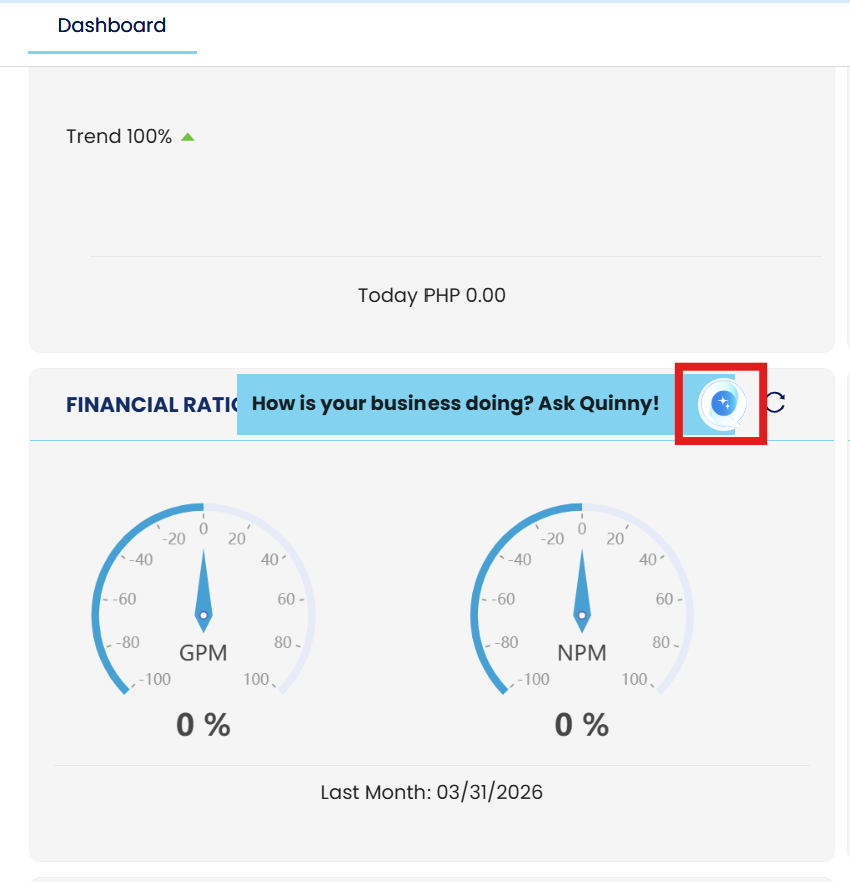
Financial Advisor Screen
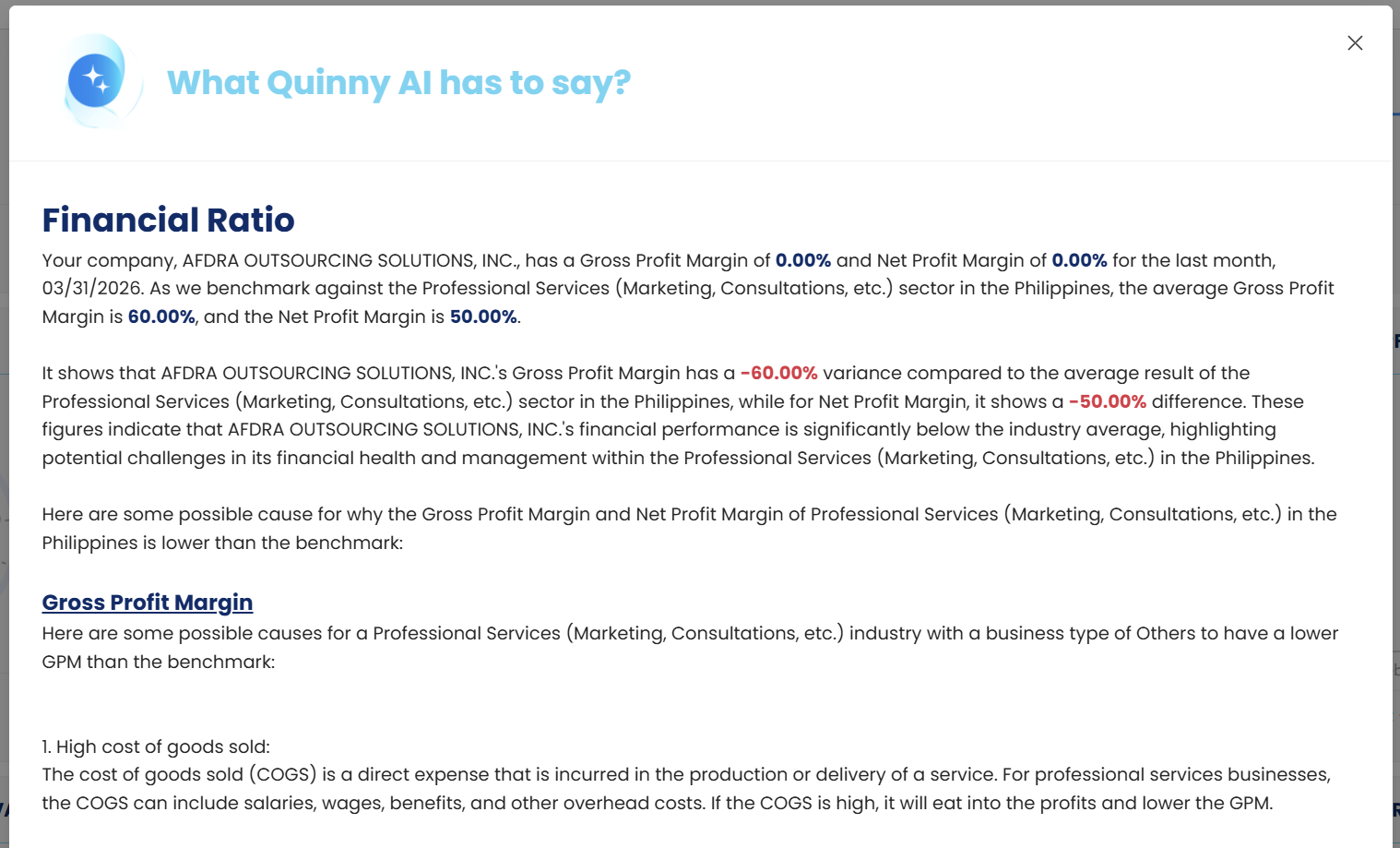
3. Scroll down at the bottom and click ‘Tips on how you can improve!’, this will show more tips on how to improve the current result.
Application:
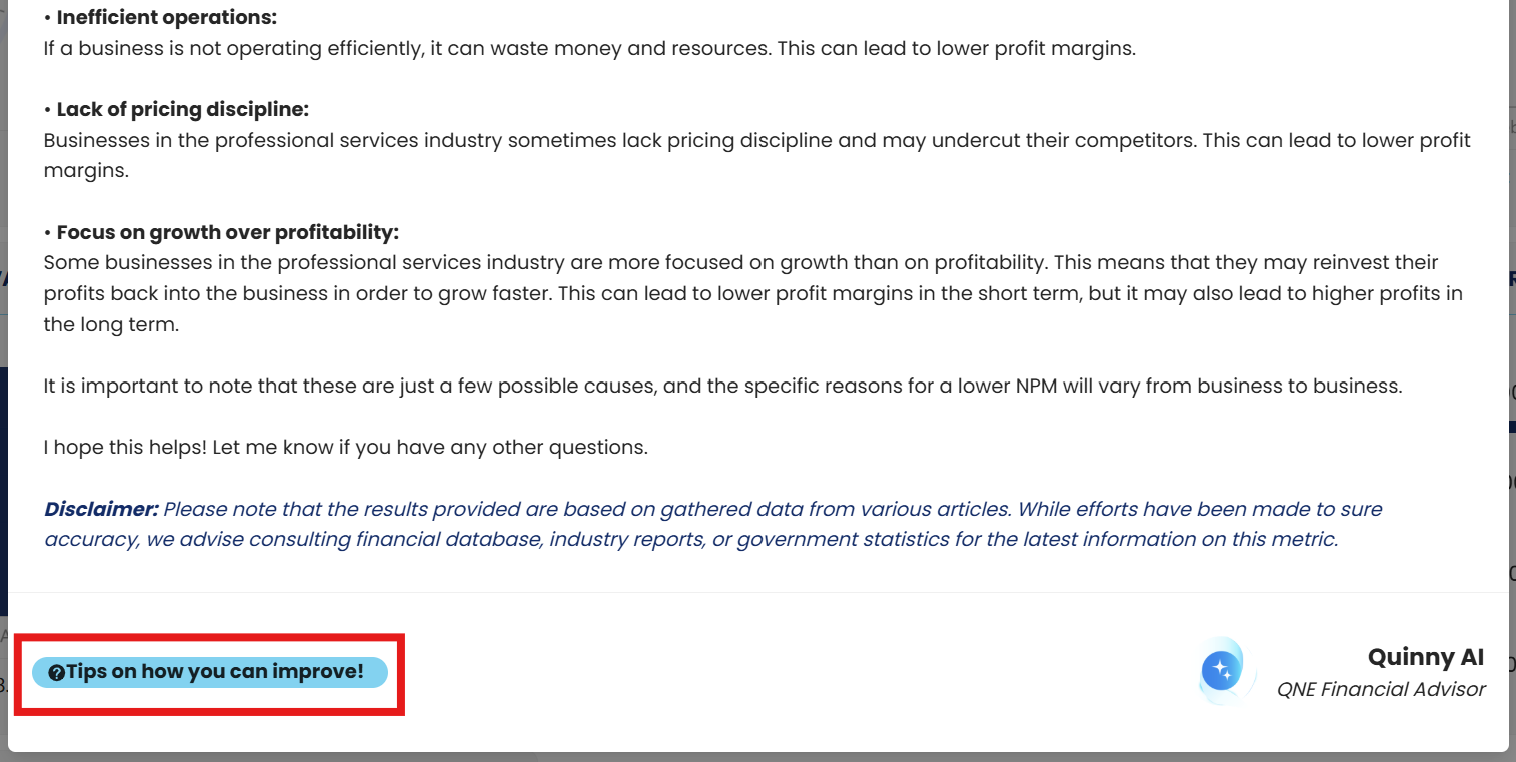
Generates more comprehensive information based on your current result.
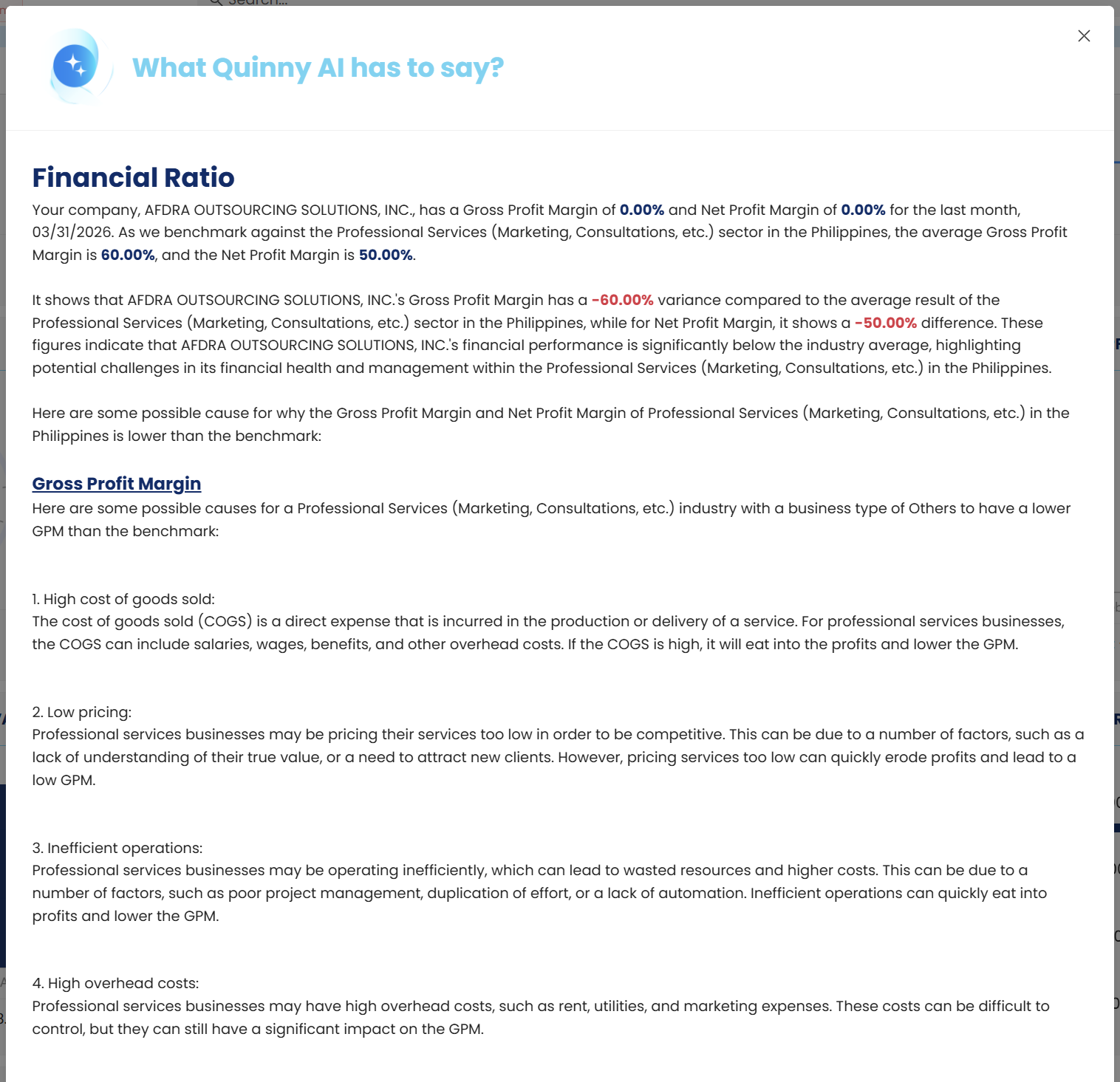
Note:
You may also set your desired notification frequency. Click you Profile > Account Settings.
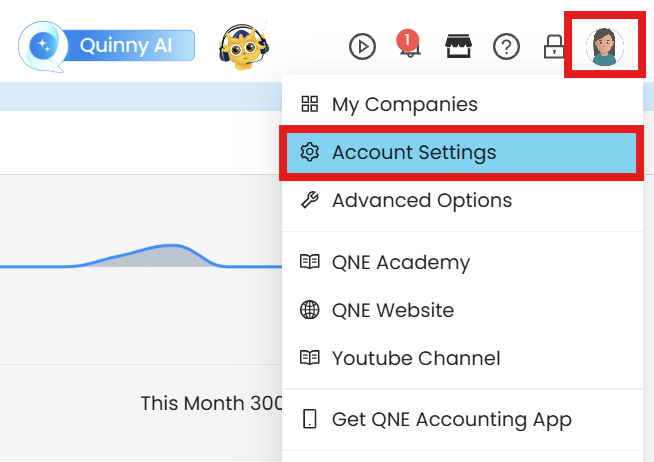
Click Notification Settings. By setting the toggle ON, desktop notification for the Financial Ratio updates will be displayed based on the Notification Frequency.
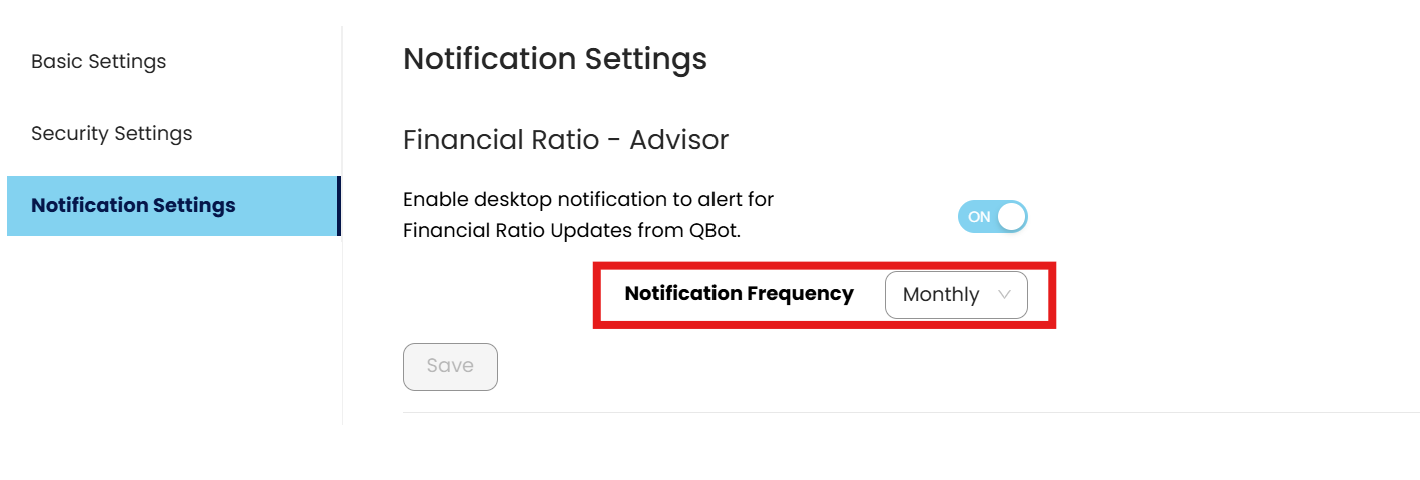
Notification Frequency:
Daily
Monthly
Quarterly
Tutorial Video
Important Note:
Editing and Deleting Transactions: According to regulatory guidelines, modifications or deletions of recorded transactions in the system may be strictly prohibited once Computerized Accounting System (CAS) approved. It's vital to adhere to your company's internal policy regarding these functionalities. It is generally advisable to disable or limit the ability to edit/delete to maintain compliance with regulations.
System Scope: QNE AI Cloud Accounting / N3 AI Accounting
Was this article helpful?
That’s Great!
Thank you for your feedback
Sorry! We couldn't be helpful
Thank you for your feedback
Feedback sent
We appreciate your effort and will try to fix the article