Overview:
A referral code is a unique code provided by N3 Partners and can be applied in every company in the N3 AI Accounting System.
Scenario:
The referral code is not yet applied during sign-up.
Procedure:
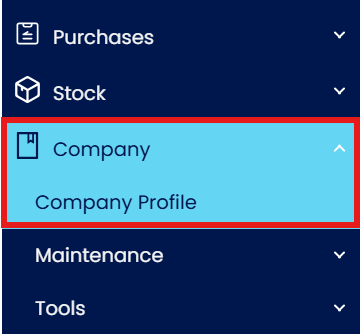
In Navigation Pane, go to Company > Company Profile
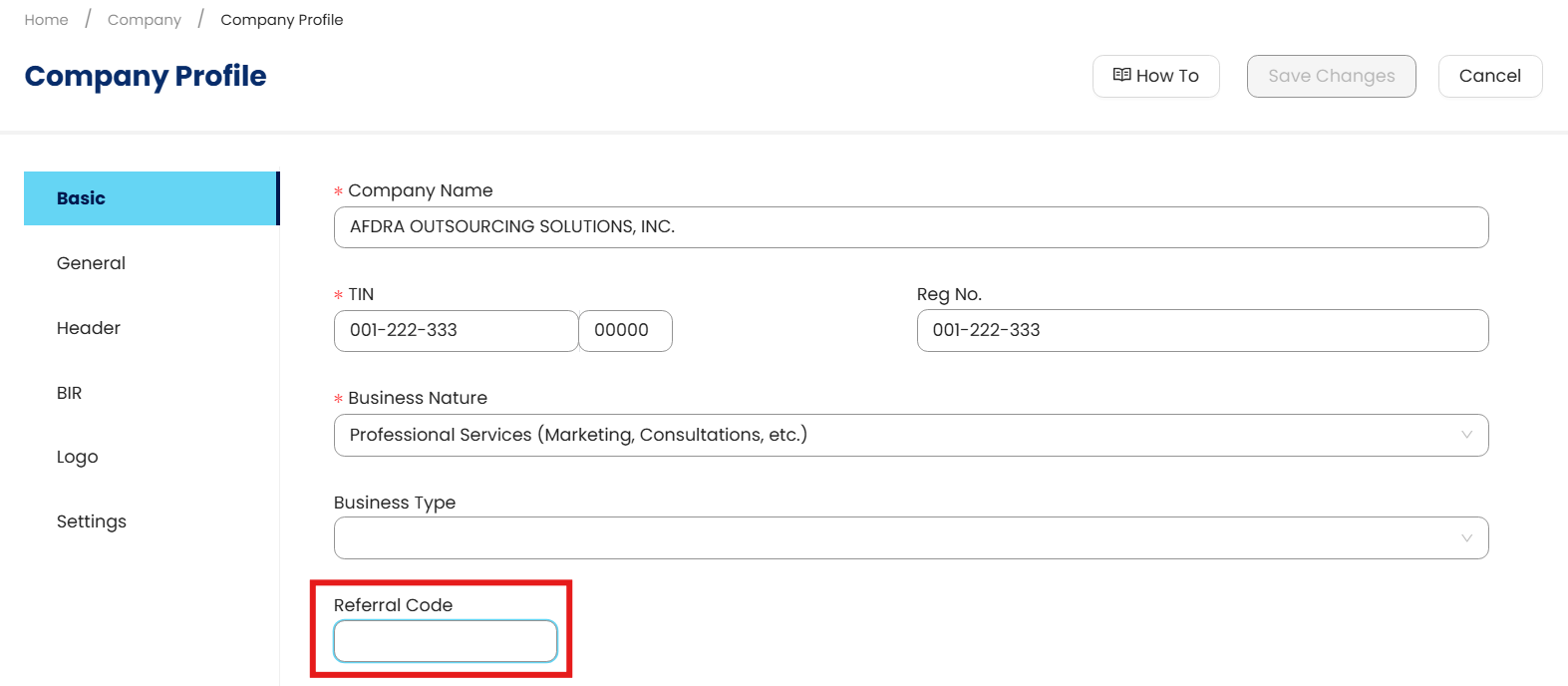
In Basic Tab, click Edit and enter the Referral Code
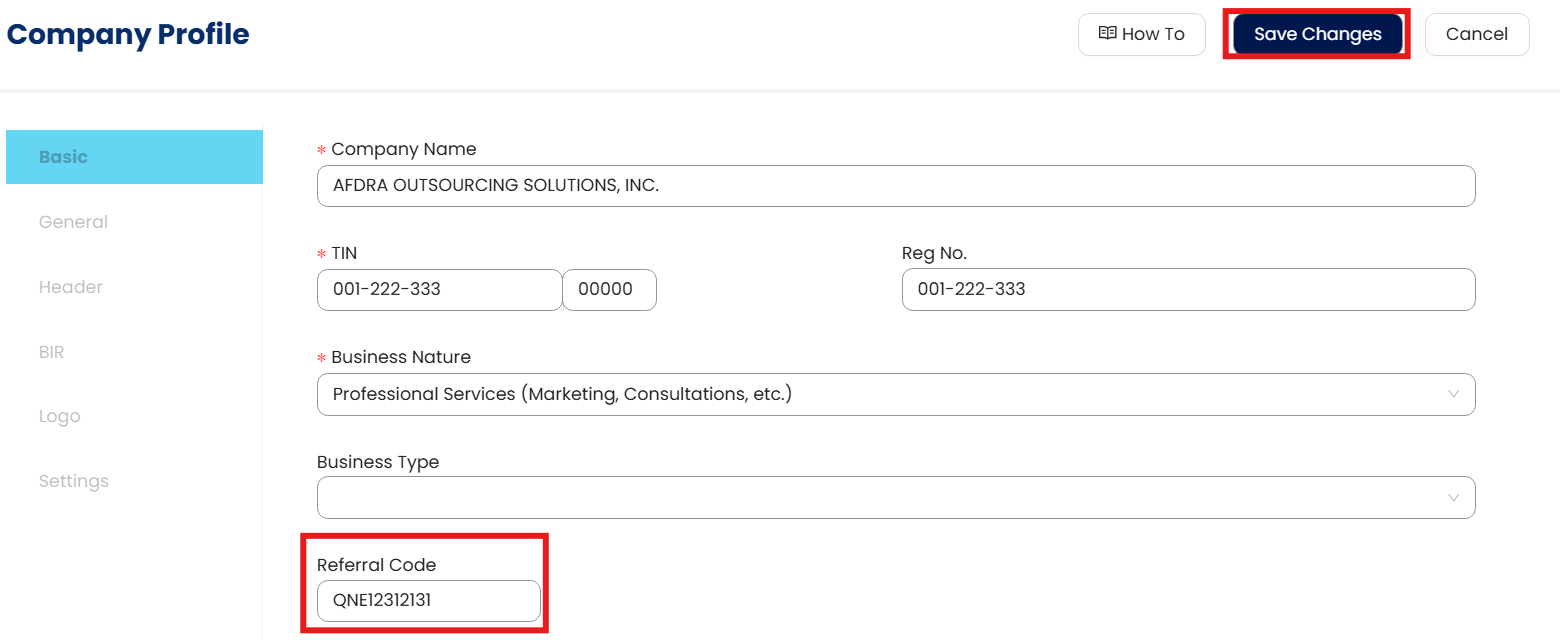
Once done, click Save Changes
System Scope: QNE AI Cloud Accounting / N3 AI Accounting
Was this article helpful?
That’s Great!
Thank you for your feedback
Sorry! We couldn't be helpful
Thank you for your feedback
Feedback sent
We appreciate your effort and will try to fix the article